
Primeworks knowledge centre
Practical IT insight. Clear business decisions.
Straightforward guidance for South African businesses navigating cybersecurity, Microsoft 365, data protection and day-to-day technology decisions.
Browse by topic
Start with the challenge in front of you.
Featured guidance
Read what matters now.
Short, accessible articles that help you recognise risk, ask better questions and make informed technology decisions. Work computers
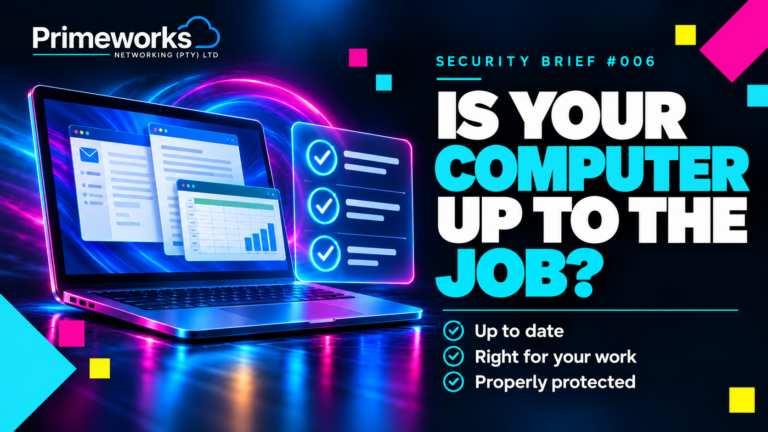
Is your work computer up to the job?
Is your computer still supported and suitable for your work? A plain guide to Windows 11, Home vs Pro, and five simple checks before buying or upgrading. Read Security Brief #006 Updates & patching
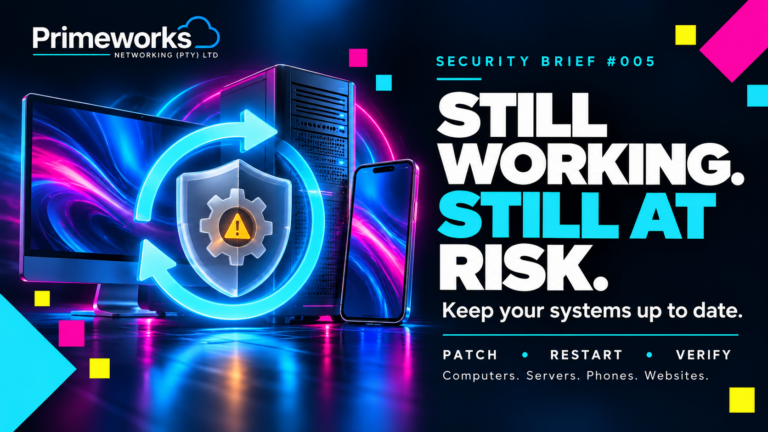
Still working doesn’t mean it’s secure
Computers, servers, phones and websites can work perfectly and still contain security weaknesses. Learn why updates matter and how to make patching a managed process. Read Security Brief #005 Email & account security
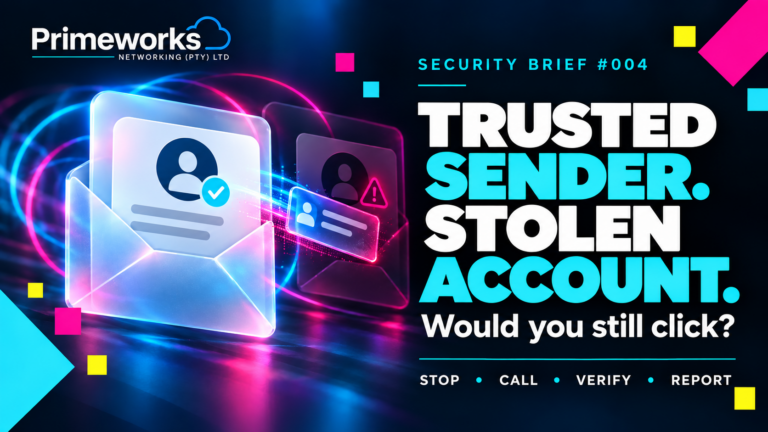
When a Trusted Email Becomes the Trap
A familiar sender can hide a compromised account. Learn how Microsoft 365 token theft works, how to reduce the risk, and when to verify an unexpected email through a separate trusted contact route. Read Security Brief #004More from Primeworks
Build your technology confidence.
NIST compliance for small businesses: getting started
A practical introduction to improving security maturity without turning the project into a box-ticking exercise. Continue reading →
The Primeworks value proposition
Why a responsive outsourced IT department can give a growing business greater capability without internal complexity. Continue reading →
Two real-life stories: why backups are your best defence
See what recovery looks like when good backups exist—and what happens when the only copy of business data is lost. Continue reading →All articles
Explore the complete Primeworks library.
Browse every published article, newest first. Use a topic filter or search for a specific question.-

Security Brief #006 — Your Work Computer: Is It Up to Date and Fit for the Job?
Is your work computer still supported and suitable for the job? A plain guide to Windows 11, Home vs Pro, and five simple checks…
-
Security Brief #005 — Still working doesn’t mean it’s secure: why software updates matter
One missed update can leave an avoidable route into your business. Computers, servers, phones and websites all need ongoing attention. Learn why software updates…
-
Security Brief #004 — When a Trusted Email Becomes the Trap
A genuine sender address does not guarantee a safe request. Learn how Microsoft 365 sessions can be stolen, how to reduce the risk and…
-
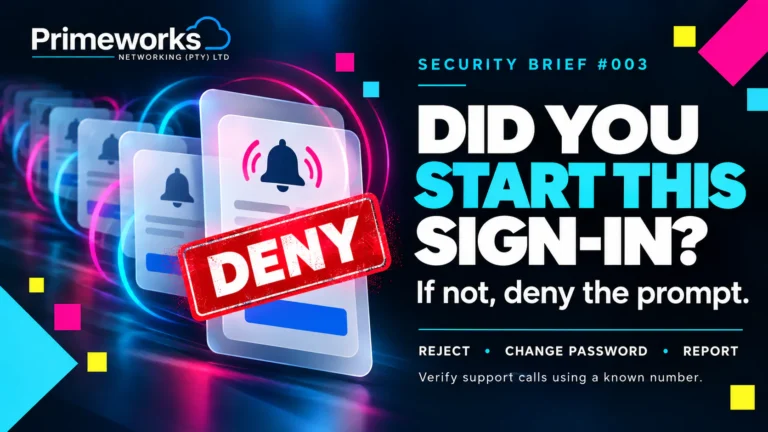
Security Brief #003 — Unexpected MFA Prompts: Don’t Approve the Attack
If your phone asks you to approve a sign-in you did not start, reject it. Learn how repeated MFA prompts and fake IT calls…
-

POPIA Compliance for Small Businesses in South Africa: A Practical Starting Guide
A practical POPIA starting guide for South African small businesses, covering responsibilities, security controls, breach readiness and a focused 90-day action plan.
-

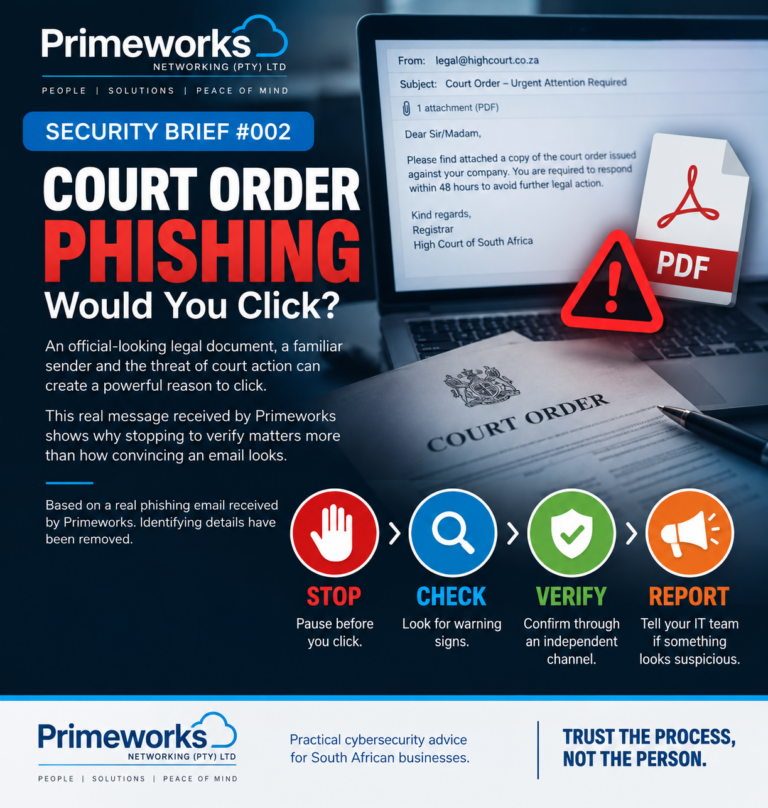
Security Brief #002 — Court Order Phishing: Would You Click?
A real court-order phishing email received by Primeworks shows how fear, urgency and convincing presentation can drive a dangerous click—and the simple verification habits…
-
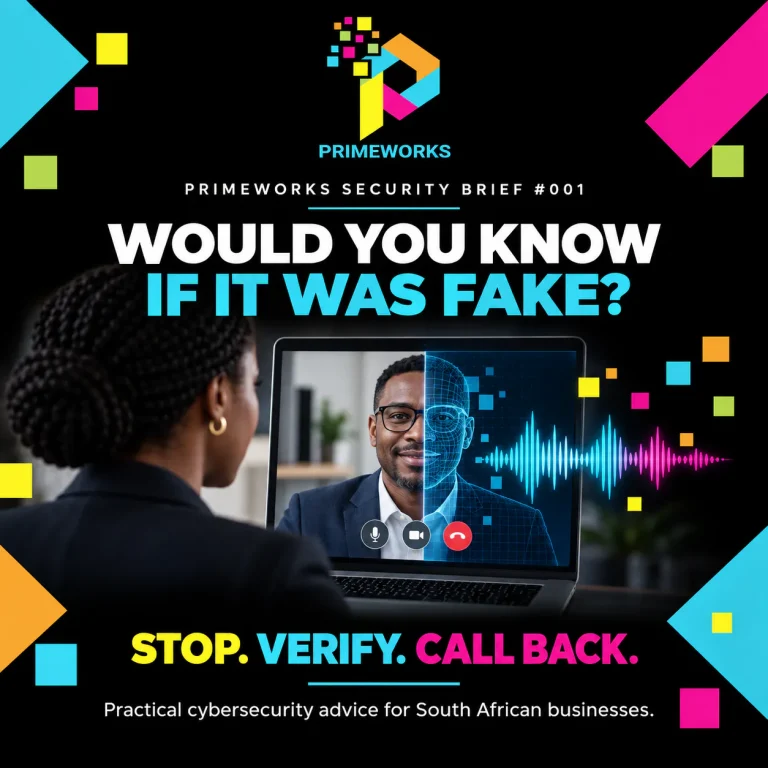
AI Deepfakes and Impersonation: Would You Know If It Was Fake?
A familiar voice, convincing email or realistic video call is no longer sufficient proof of identity. Learn the simple verification process that helps protect…
-
Granny Got Scammed! Here’s How You Can Stay Safe from Online Fraud
Last week, a retired grandmother lost her granddaughter’s inheritance to a not-so sophisticated online scam. Her email was hacked, and fraudsters redirected the funds…
-
Is Your IT Ready for the Year Ahead?
The year is almost over, but there’s still time to ensure your IT systems are secure, efficient, and future-ready. Here is how to Future-Proof your IT Solutions: ✅ End-of-year cybersecurity audit ✅ Optimize cloud usage for next year ✅ Review disaster recovery plans ✅ Prepare your IT Strategies for 2025 💡 Let’s make your business […]



Need an answer for your environment?