
Primeworks Security Brief #003
Courier Customs Fee Scam: Would You Pay to Release the Parcel?
An unexpected parcel, a customs fee and a delivery delay create a convincing reason to act quickly. A real phishing email received by Primeworks shows how criminals use familiar courier branding and a plausible tracking message to direct recipients to a fraudulent website.
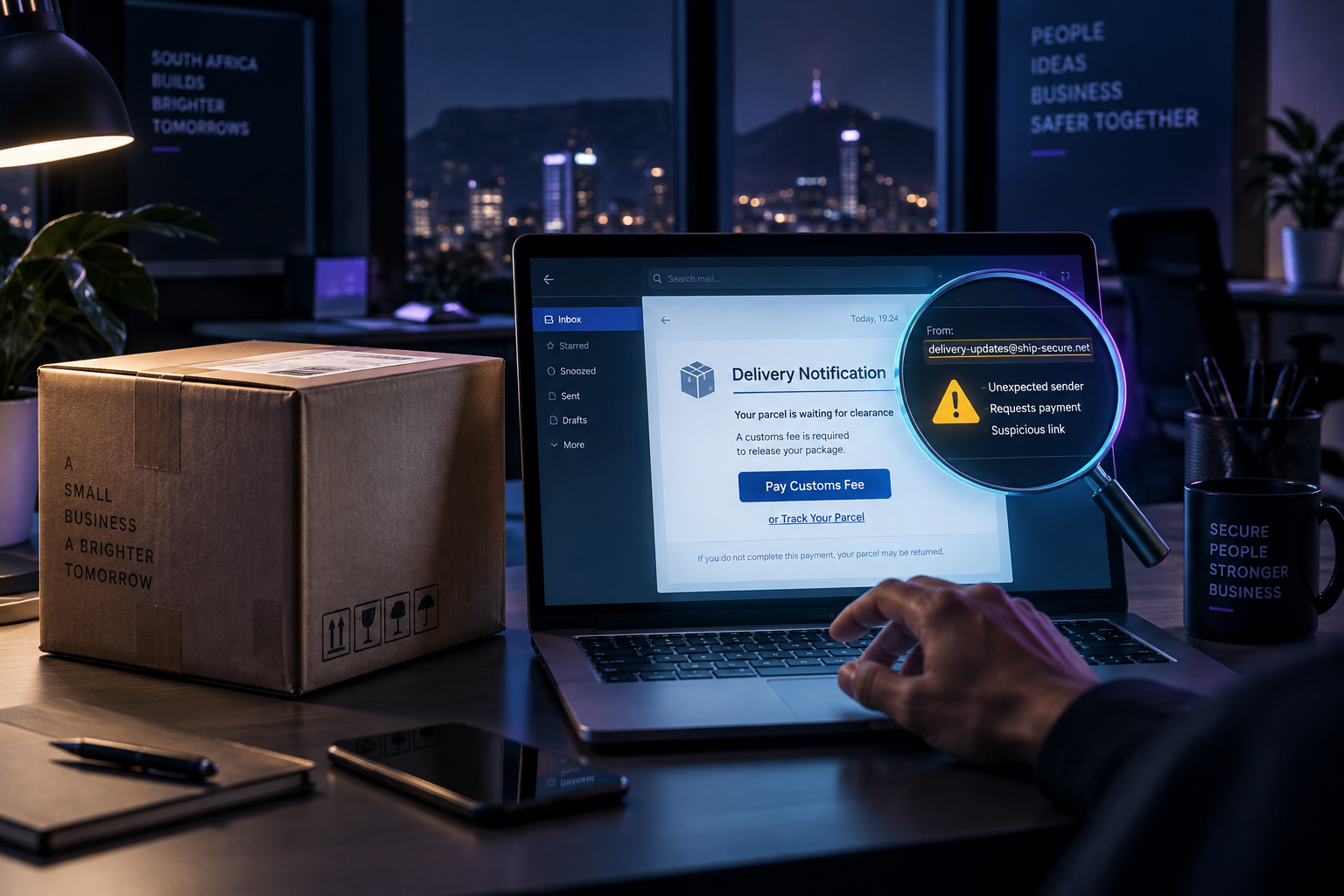
Real incident, anonymised for publication. No link from the suspicious message is reproduced in this article.
The threat
The email arrived with the subject line “2nd Reminder: Customs Clearance Needed”. It claimed that a parcel was on hold because customs fees had not been paid and warned that immediate action was required to avoid a delay.
The message included a tracking number, a professional-looking delivery progress display and a prominent “Track Shipment” button. At a glance, it looked like a routine courier notification. In reality, the message was not sent from Fastway’s official domain and the button led towards an unrelated web address.
This is a classic courier phishing technique: create a believable delivery problem, apply time pressure and persuade the recipient to follow a link before checking the details.
Why this message was fraudulent
The most useful warning signs were things any recipient could notice:
- The parcel was unexpected. There was no matching order or known delivery.
- It claimed to be a second reminder. The recipient had never received a first notice.
- The message was vague. It did not name the customer, retailer, parcel sender or order.
- The sender address did not belong to Fastway. Expanding the sender details showed an address ending in
SR-596131.za, notfastway.co.za. - It demanded immediate payment. The message used the threat of a delayed parcel to rush the recipient.
- The button did not use Fastway’s official website. On a desktop, hovering over the button without clicking revealed an unrelated destination. The safer check on any device is to ignore the button and visit the courier’s official website independently.
Most importantly, Fastway South Africa states that it will never ask a parcel recipient to pay customs fees, duties, SARS taxes or clearing costs. Fastway also advises that its legitimate South African emails and websites use the fastway.co.za domain.
Primeworks also examined the message’s hidden technical information, which supported the finding that it was fraudulent. Employees are not expected to inspect email headers; that is a job for the IT team after the message has been reported.
Why courier scams work
Many people have several deliveries in progress and may not immediately recognise which retailer or supplier a message relates to. A small “release fee” can appear easier to pay than investigate.
The first payment is not always the attacker’s only objective. A fraudulent page may capture card details, banking information, Microsoft 365 credentials or other personal information. Stolen details can then be used for further fraud or account compromise.
SARS has also warned the public about criminals posing as customs officials and requesting payment to release detained parcels. Its advice is clear: do not engage, disclose information or make a payment; report suspected scams.
Warning signs to look for
- You were not expecting the parcel or cannot identify the sender.
- The message claims to be a reminder, even though you never received the first notice.
- It demands immediate payment to avoid delay, return or cancellation.
- Expanding the sender details reveals an address that does not end in the courier’s official domain.
- On a desktop, hovering over a button shows an unfamiliar destination. Do not click it to investigate further.
- The message asks for card details, passwords, one-time PINs or Microsoft 365 credentials.
- The tracking number cannot be confirmed on the courier’s official website.
A polished design, correct spelling and a familiar logo do not prove that a message is genuine.
What you should do
- Stop.Do not click the link, reply or make the payment.
- Check the story.Were you expecting a parcel? Can you identify the retailer, order or sender?
- Reveal the sender.Expand the sender name and look at the full address. The part after the @ should match the organisation’s official website, but remember that an address alone is not proof.
- Verify independently.Open a new browser tab and type the courier’s official address yourself, use its official app or use contact details you already trust. Do not use details from the suspicious message.
- Report.Send the original email to your IT support team or use your organisation’s phishing-reporting process.
If you already clicked
Report it promptly, even if nothing obvious happened.
- If you entered a password, contact your IT provider immediately so the password can be changed, active sessions reviewed or revoked, and the account checked for suspicious sign-ins and mailbox rules.
- If you entered card or banking information, contact your bank immediately using an official number.
- If a file was downloaded or opened, stop using it and ask your IT provider to check the device.
- Preserve the original message so that the link, sender and headers can be investigated safely.
Early reporting gives your bank and IT team the best chance to limit the damage.
How Primeworks helps
Primeworks helps small and growing South African businesses strengthen email protection, secure Microsoft 365 accounts, monitor endpoints and give employees practical security-awareness guidance.
If you need help checking a suspicious message or possible account compromise, use the Primeworks contact form or call 011 887 3900.
Key takeaway
Do not decide whether a courier email is genuine by its logo, layout or tracking number. When a message asks you to click or pay, verify the parcel through the courier’s official website and a contact method you found independently.
Sources and further reading
Stop. Check. Verify. Report.
Make verification part of the way your business works.